
How to Collect Wedding Contributions via M-Pesa (Not PayPal)
Most Kenyan guests will not use PayPal to contribute to your wedding. Here's how to set up M-Pesa contributions so guests can send money in 30 seconds.
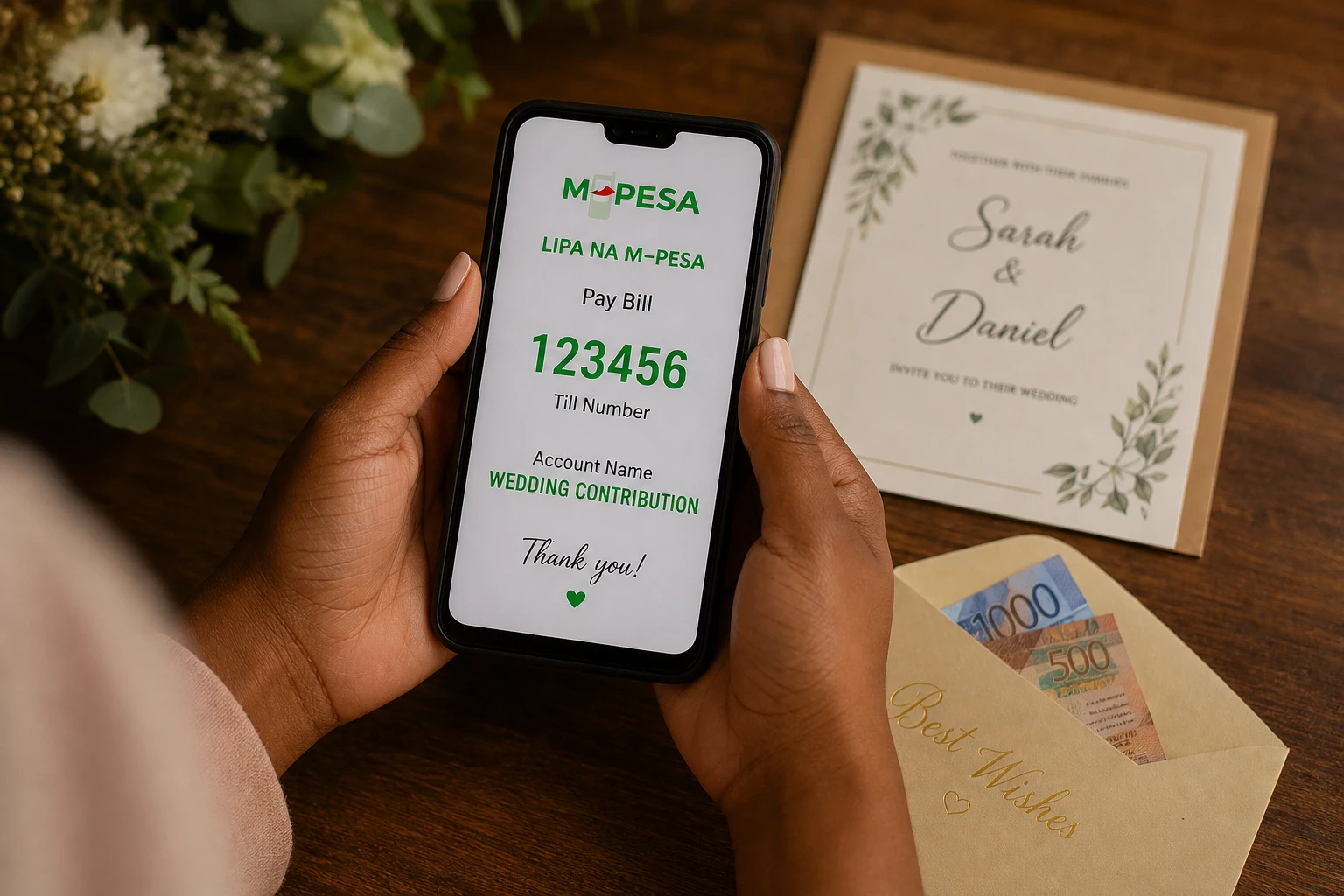
At some point while setting up a wedding registry on an international platform, a couple in Nairobi will notice a PayPal option for the cash fund. They will think: great, this works. Their guests will disagree.
Here is the reality: most Kenyan wedding guests will not create or log into a PayPal account to contribute to your wedding. They will not convert currency. They will not navigate an international payment form. They will do what they always do when they want to send money to someone: open Safaricom, tap M-Pesa, and send it.
If your contribution system does not support M-Pesa, you are creating friction for the exact thing you are trying to make easy.
Why M-Pesa Is the Right Answer for Kenyan Wedding Contributions
M-Pesa penetration in Kenya is above 96% of the adult population. It is not an alternative payment method in this market — it is the primary payment method for person-to-person transfers. Your guests have it on their phone. They know how to use it. They use it daily.
PayPal, by contrast, requires an account, a verified email address, a linked payment method, and often a bank account or international credit card. A meaningful portion of your Kenyan guest list has none of those things, or has them but does not use them for person-to-person transfers.
The practical result: a contribution system built around PayPal will get contributions from a subset of your guests. The rest will either call you to ask for your M-Pesa number (adding work) or not contribute online at all (losing contributions you would have received).
Setting Up M-Pesa Contributions: The Options
There are several ways to collect wedding contributions via M-Pesa, depending on your volume and how organized you want to be.
Option 1: Personal M-Pesa Number (Simplest)
How it works: You share your personal M-Pesa phone number and guests send money directly.
What guests do: Open Safaricom app or dial *M-Pesa, select Send Money, enter your number, enter amount, confirm.
Setup effort: None. Share your number.
Limitations:
- No easy way to know who sent what amount without cross-referencing M-Pesa messages
- If you receive many contributions, tracking becomes manual
- Your personal number is public to all contributors
Best for: Small guest lists (under 60 people), informal contribution collections.
Option 2: M-Pesa Paybill (Most Trackable)
How it works: Register a business Paybill number with Safaricom. Guests send contributions to the Paybill number and include an account number (typically their name or your wedding name) as the reference.
What guests do: Open M-Pesa, select Lipa na M-Pesa, select Pay Bill, enter your Paybill number, enter account reference (their name), enter amount.
Setup effort: Moderate — requires registering a Safaricom business account, which takes 2-5 business days and requires identification documents.
Advantages:
- All contributions are logged with reference numbers and contributor account names
- Easy to generate a summary statement of all contributions received
- Professional appearance for large-scale collection
Limitations:
- Requires advance setup time
- Small per-transaction fees may apply depending on your Safaricom business account tier
Best for: Weddings with large guest lists (100+) or couples who want clean records of all contributions received.
Option 3: M-Pesa Till Number
How it works: Register an M-Pesa till number (Buy Goods merchant account) with Safaricom. Guests send to the till number.
What guests do: Open M-Pesa, select Lipa na M-Pesa, select Buy Goods, enter till number, enter amount.
Setup effort: Similar to Paybill — requires Safaricom merchant registration.
Differences from Paybill: Till numbers do not take an account reference field, so tracking which guest sent which amount requires matching amounts to times and cross-referencing.
Best for: Quick, one-off contribution collection where individual attribution is less important.
Option 4: Wedding Platform Registry (Most Guest-Friendly)
How it works: Display your M-Pesa details clearly on your wedding website registry page. Guests see exactly what to do and can contribute without calling you to ask.
Harusi Hub includes a registry page that prominently displays your M-Pesa details alongside contribution categories. Guests visiting your wedding website see a clear, organized page with your Paybill or personal number, the reference to use, and what contributions go toward.
What guests do: Visit your wedding website via the shared link, tap the registry page, see your M-Pesa details, open their Safaricom app and contribute.
Advantages:
- Guests get all the information they need without calling you
- Your M-Pesa details are in context alongside your wedding information
- You can add contribution categories ("Honeymoon Fund," "Kitchen Setup," "Furniture") to guide contributors
- No separate setup required beyond adding your details to the platform
Best for: Any couple with a wedding website who wants contribution collection to feel organized and intentional.
For a deeper look at registry options in Kenya, see best wedding registries Kenya and wedding gift registry M-Pesa.
Communicating Your M-Pesa Details to Guests
Whichever option you use, how you communicate the details matters. The clearest format:
Wedding Contributions - [Your Names]
M-Pesa Paybill: [Number]
Account: [Your first names / "Wedding Fund" / guest's own name]

OR

M-Pesa Number: [Phone number]
Name: [Account holder name]
Reference: [Your names]
Include this in:
- Your wedding website registry page
- A pinned message in your WhatsApp wedding group
- Your digital invitation if you are including contribution information there
- A dedicated story or post in your WhatsApp status if relevant
Guests who have the information clearly in front of them contribute more readily than guests who have to ask.
See wedding website M-Pesa integration for how the platform handles displaying these details.
What About International Guests?
If you have guests contributing from abroad — diaspora family or friends — they will not have M-Pesa access. For international contributions, the practical options are:
Bank transfer. Provide your KCB, Equity, or other account details. International guests can initiate a wire transfer or SWIFT payment. This works but involves bank fees and processing time.
Wise (formerly TransferWise). Many diaspora Kenyans use Wise to send money home efficiently. If you or a family member can receive Wise transfers, this is often faster and cheaper than SWIFT.
PayPal to a trusted intermediary. If you have a family member or close friend in the country of your international guests who has PayPal, they can receive contributions and forward via M-Pesa. This adds a step but works for guests who are only comfortable with PayPal.
The cleanest setup for diaspora couples: display your M-Pesa details for Kenyan guests and a bank account or Wise details for international guests. Both on the same registry page. Guests self-select the method that works for them.
See wedding website for diaspora couples for more on managing contributions from an international guest list.
The Simple Summary
| Method | Setup | Guest friction | Tracking | Best for |
|---|---|---|---|---|
| Personal M-Pesa | None | Very low | Manual | Small weddings |
| Paybill | 2-5 days | Low | Easy | 100+ guests |
| Till number | 2-5 days | Low | Moderate | Quick setup |
| Wedding website registry | Minutes | Very low | Organized | Any couple with a website |
The best contribution system is the one your guests can use without calling you to ask how. For most Kenyan guest lists, that means M-Pesa — displayed clearly, with the reference format spelled out.
Display your M-Pesa details where guests can find them
Add your M-Pesa details to your wedding website registry. Guests contribute in 30 seconds. Free to set up.
Set Up Your M-Pesa Registry